Roles & Permissions
Roles define what actions users can perform within the platform. Each user is assigned a role by an administrator, and that role determines their access to procedures, inventory, subjects, and settings.
Listing roles
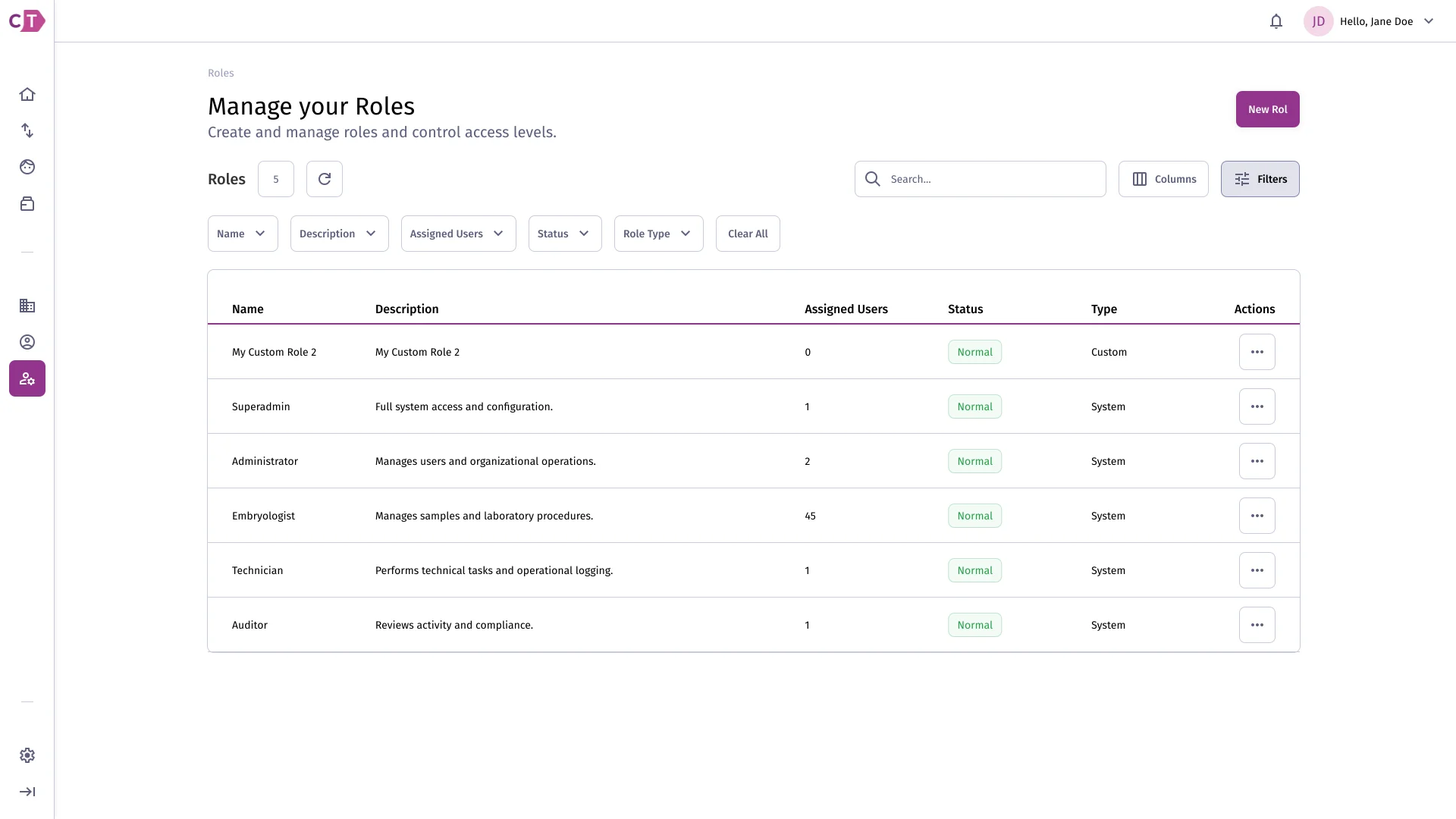
Section titled “Listing roles”The roles list shows all roles configured for your organization. From here you can view each role’s details or create a new one.
Creating a role
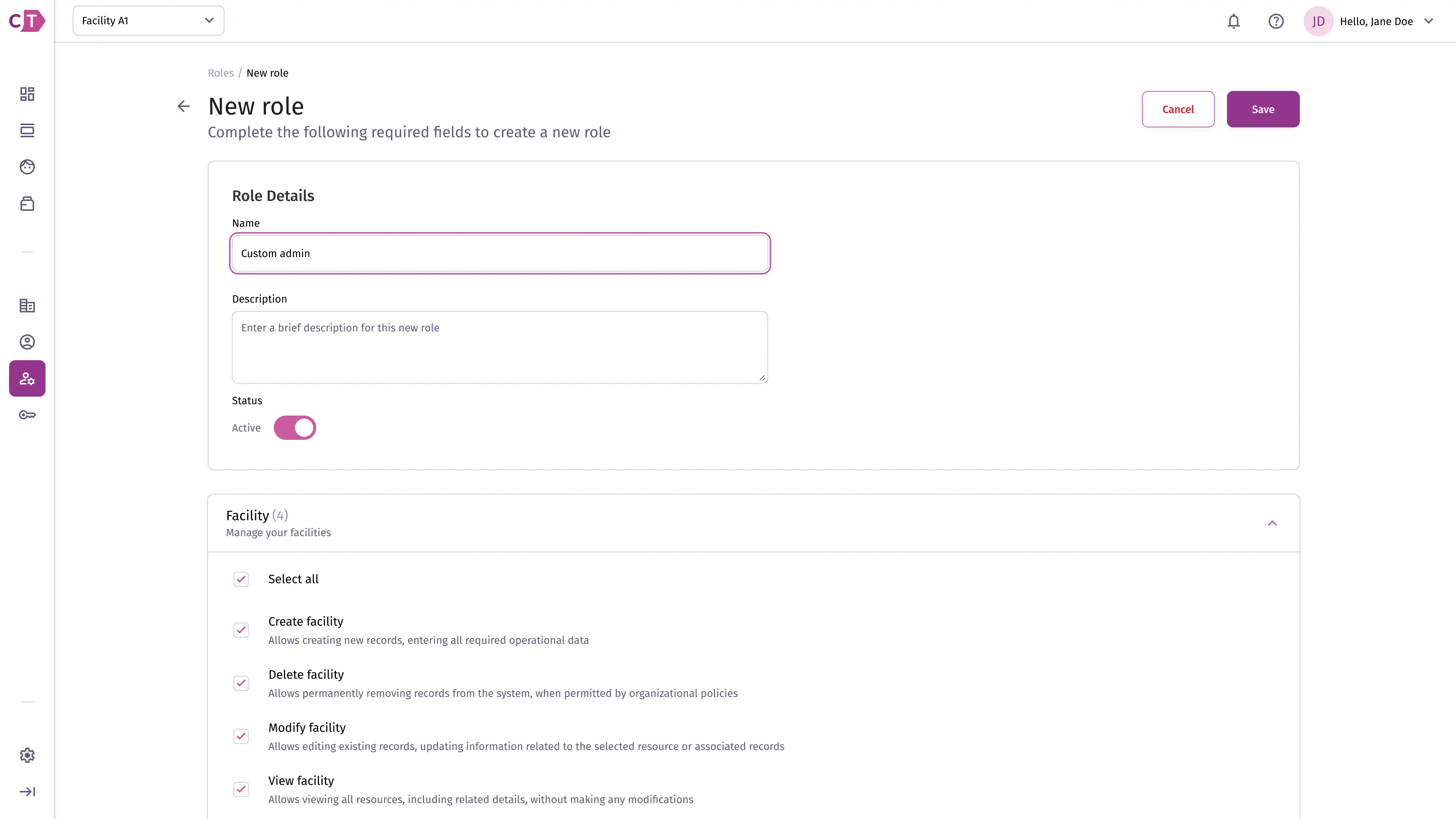
Section titled “Creating a role”To create a new role, click New role from the roles list. Enter a name and select the permissions to grant to users with this role.
Viewing role details
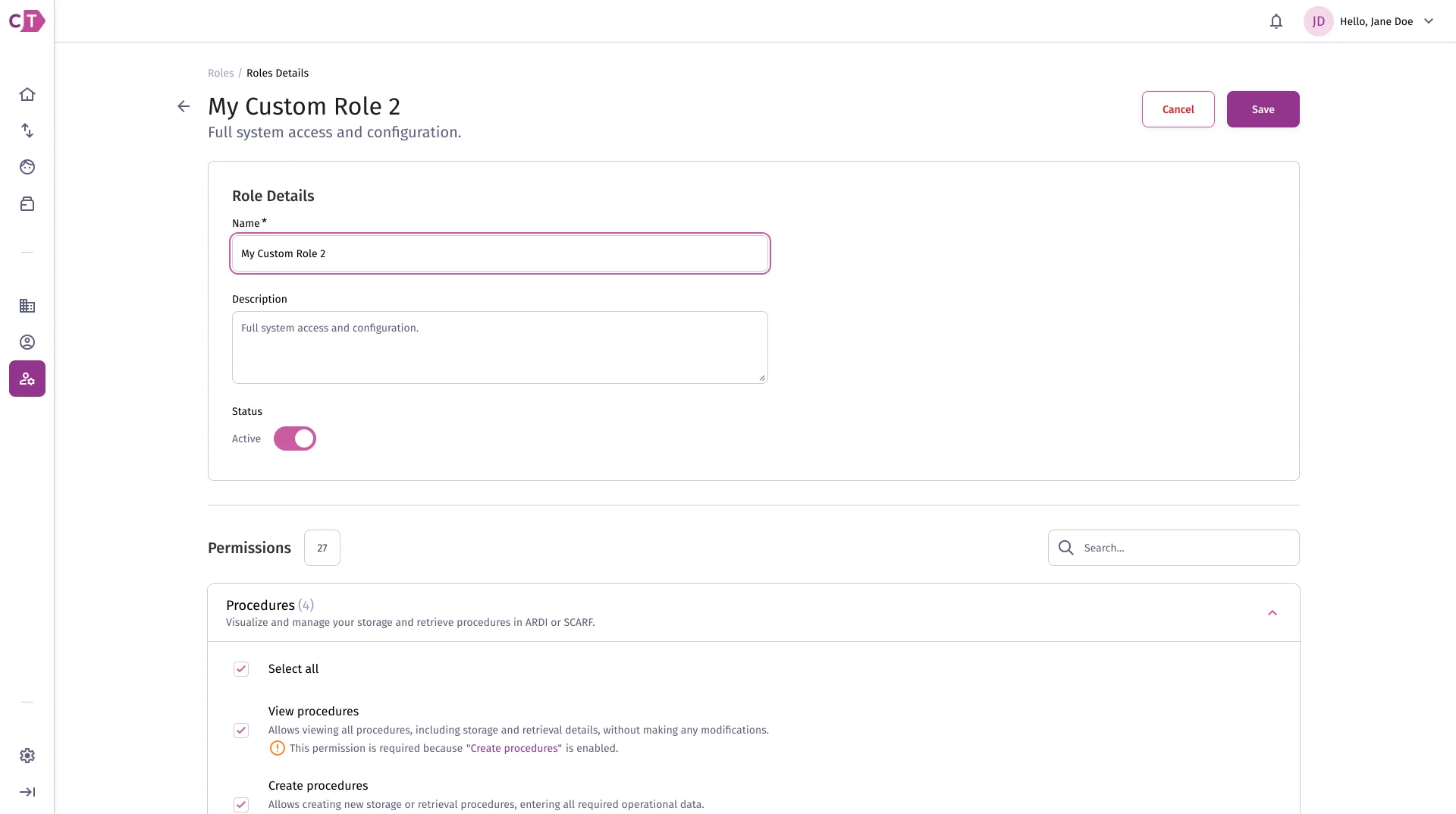
Section titled “Viewing role details”The role details page shows the full set of permissions assigned to a role. You can edit or delete the role from this view.
Duplicating a role
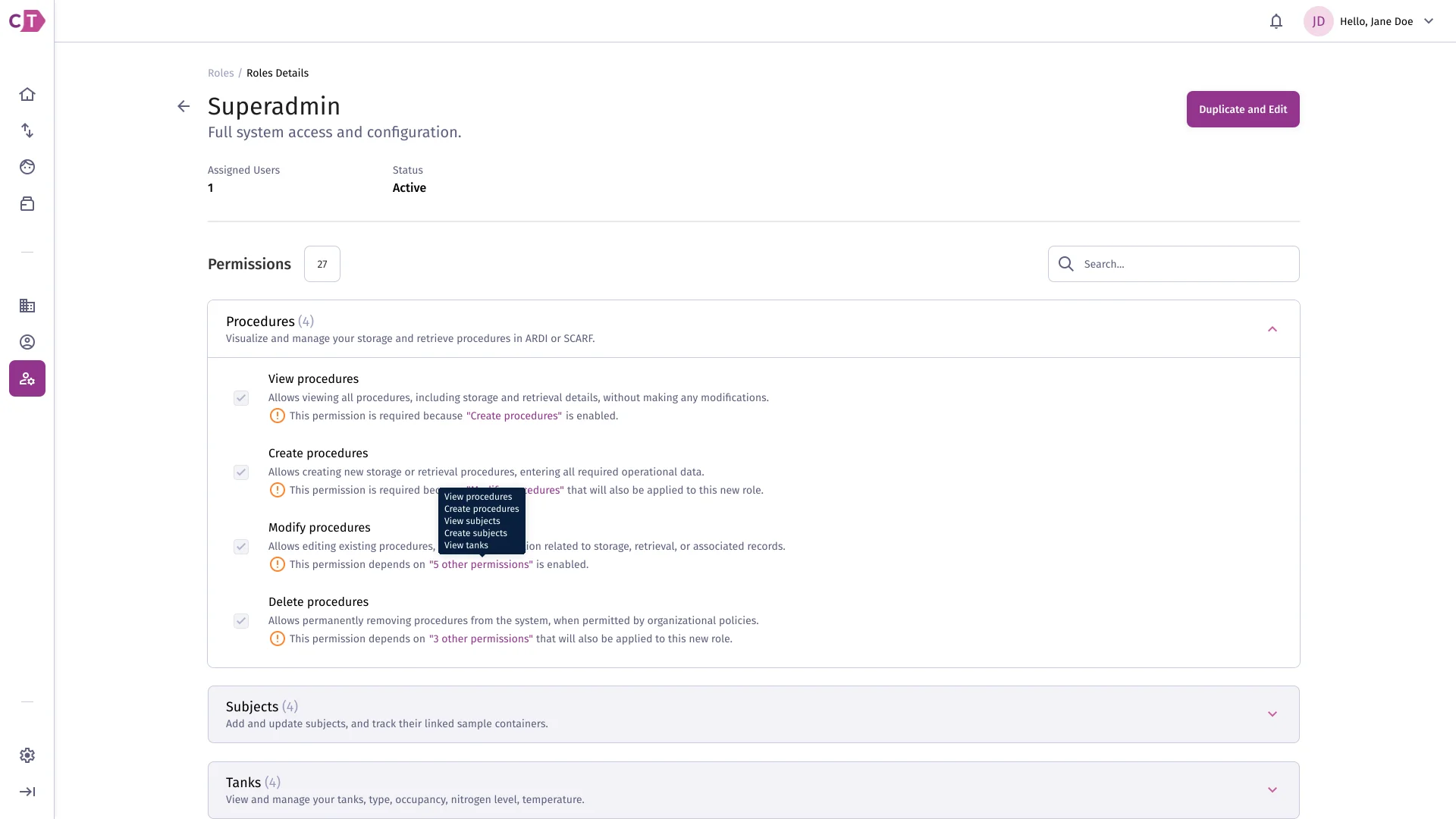
Section titled “Duplicating a role”To create a new role based on an existing one, select Duplicate from the role’s actions menu. The duplicated role will have the same permissions and can be renamed and adjusted as needed.