Organization
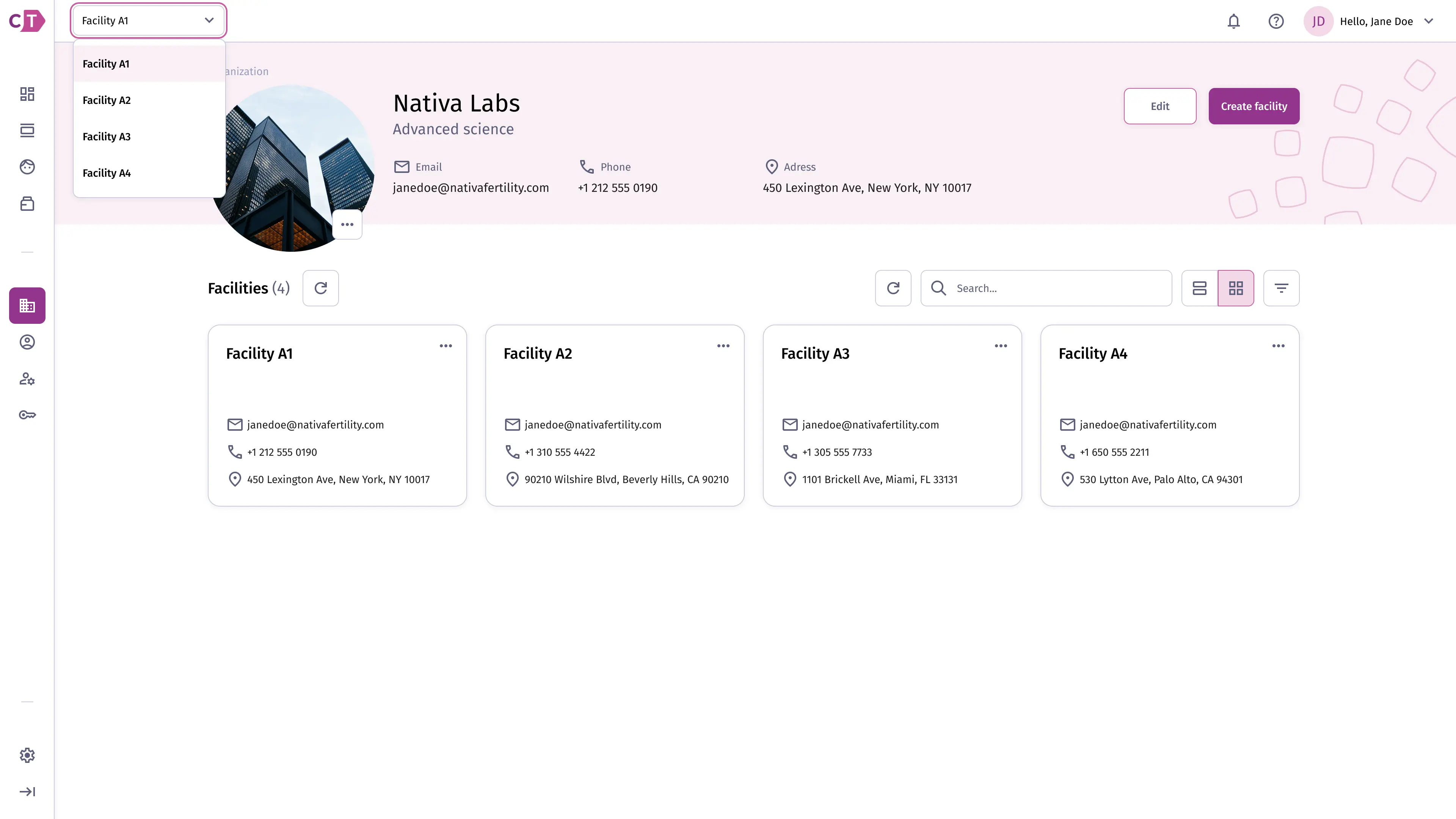
The organization page shows the top-level details of your account, including contact information and the list of facilities associated with it.
Viewing organization details
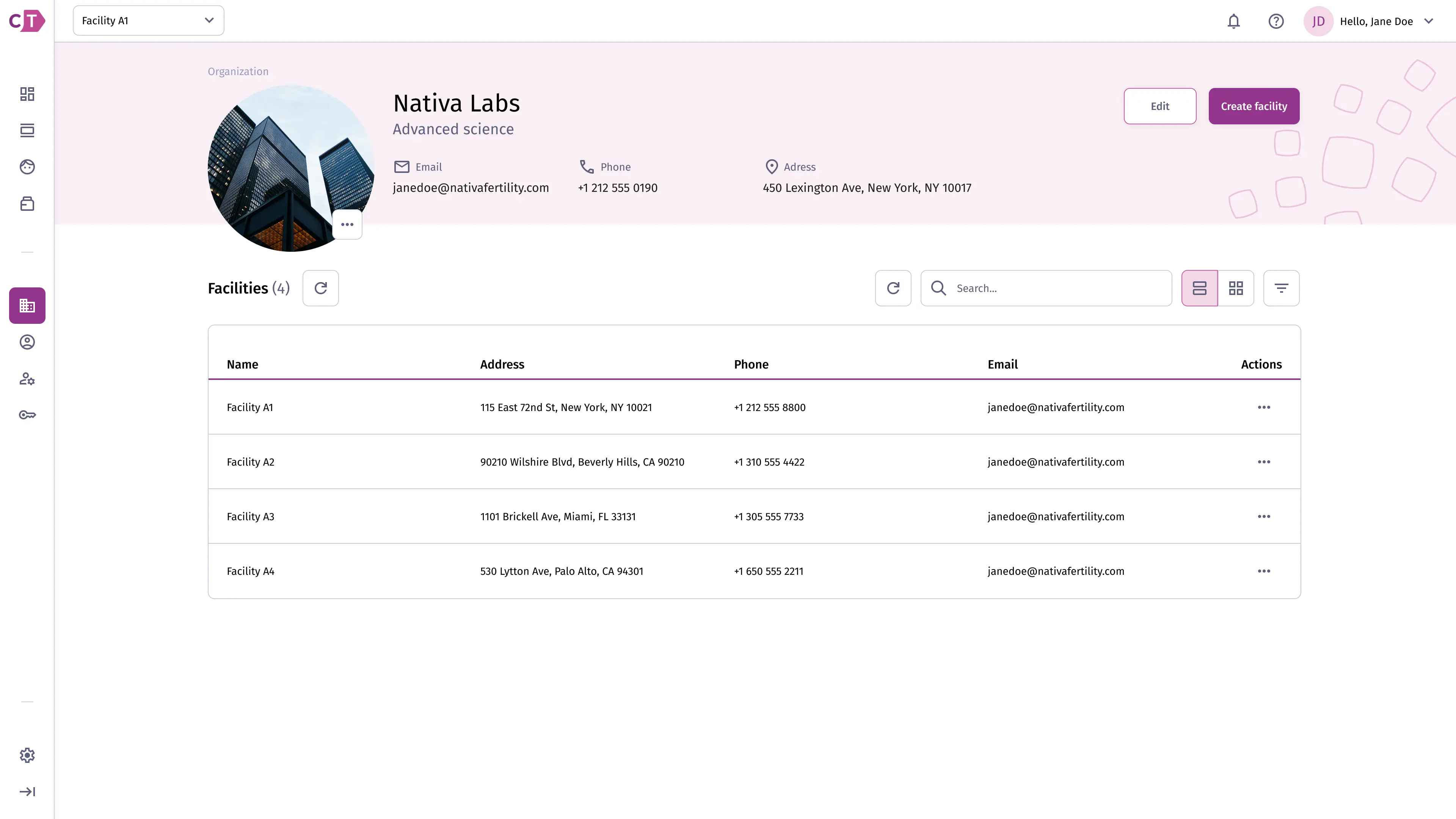
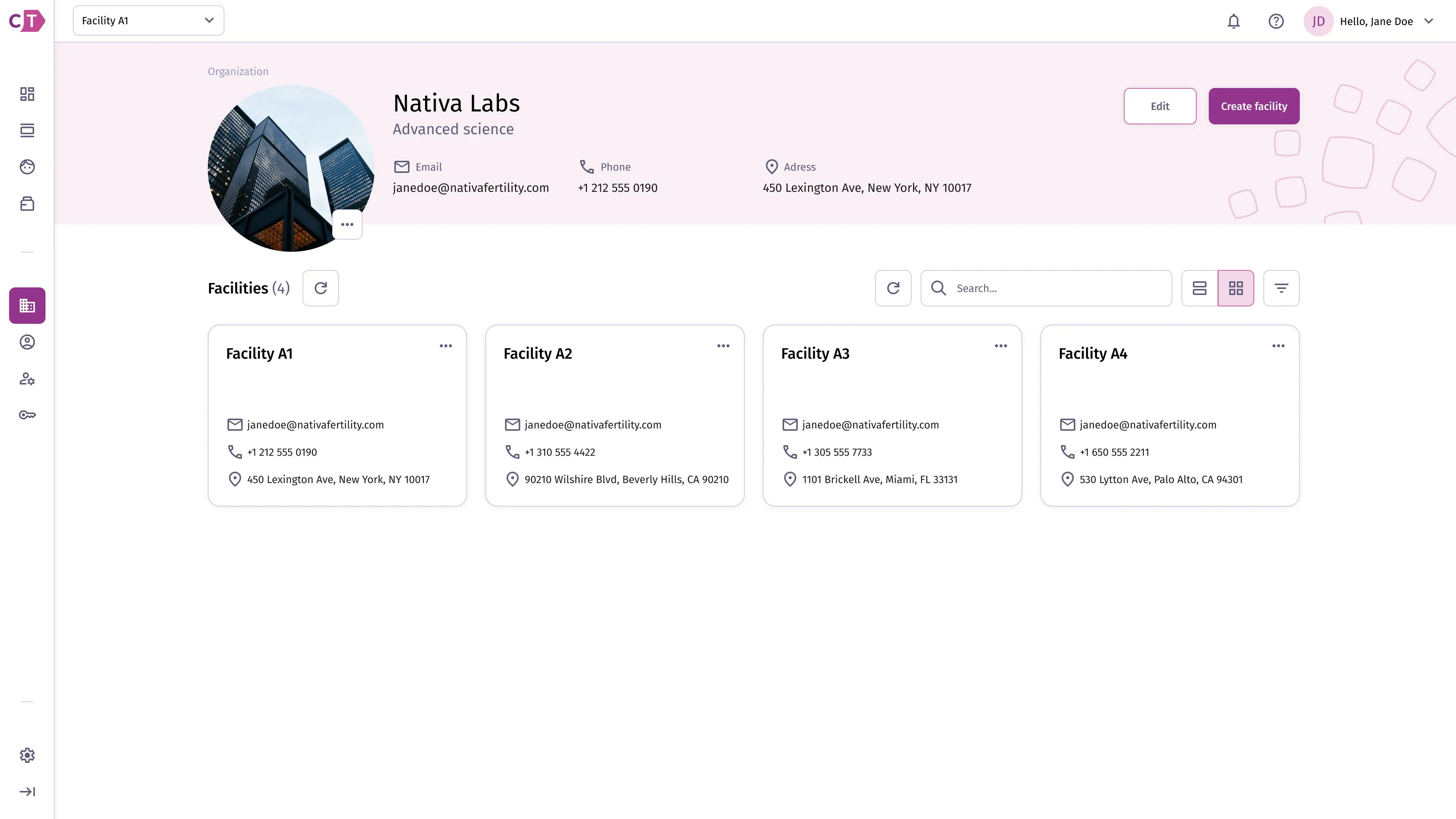
Section titled “Viewing organization details”The organization details view displays your organization’s name, contact information, and address, alongside all facilities registered under it. You can edit the organization details or create a new facility from this page.
The facilities list supports both table and grid view, toggled from the top right of the list.
Switching facilities
Section titled “Switching facilities”Users with organization management permissions can manage multiple facilities from a single account. The facility switcher in the top navigation bar acts as a workspace selector: choosing a facility sets the active context for the entire application, so all procedures, storage solutions, inventory, and subjects shown reflect that facility’s data.